
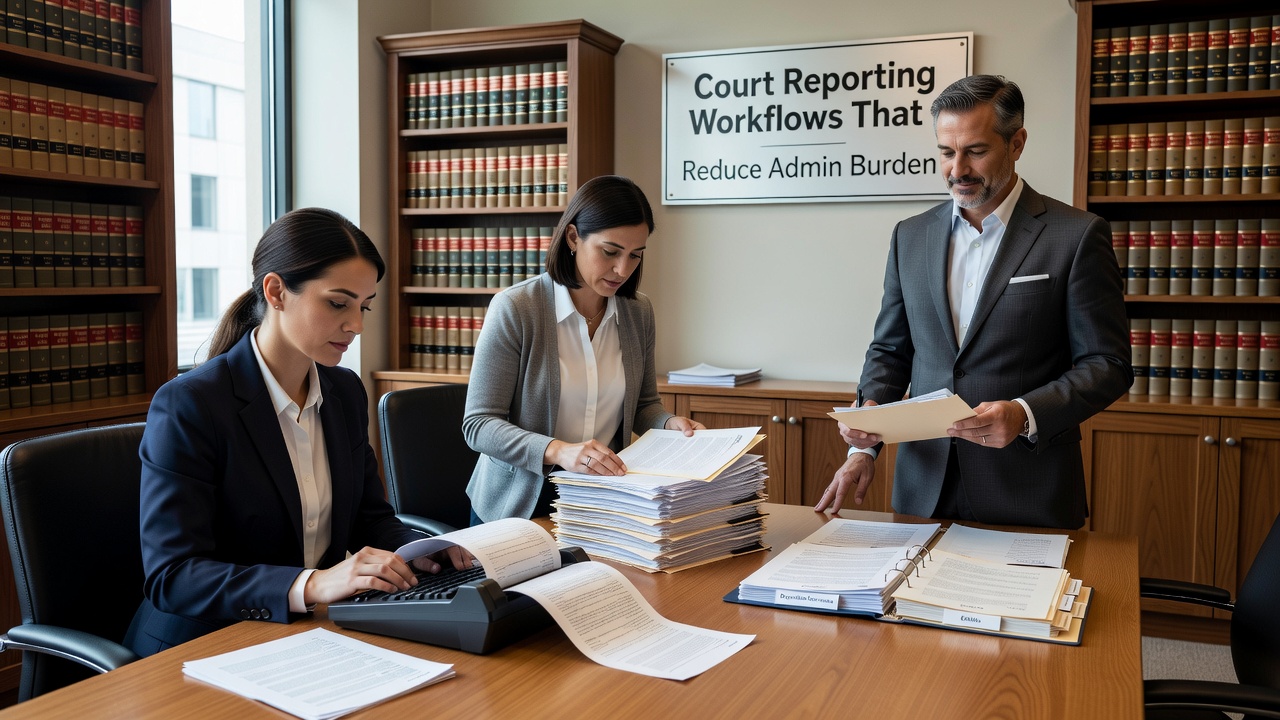
Managing court reporting workflows for supervision programs is one of the most time-consuming administrative tasks agencies face. Between verifying attendance records, reconciling billing, cross-checking case notes, and submitting status updates on schedule, the process can consume hours of staff time every week. When workflows are unclear or inconsistent, small errors compound into larger compliance problems. A more structured approach to report preparation does not require complex technology — it starts with better habits and clearer procedures.
Why Court Reporting Workflows Break Down
Most reporting problems do not start at the submission stage. They start weeks earlier, in the day-to-day documentation that feeds into a final report. When case notes are entered late, attendance logs do not match billing records, or staff use inconsistent terminology, every downstream task becomes harder.
Common breakdown points include:
- Progress notes not tied to specific session dates, making it difficult to verify what services were delivered
- Attendance records that do not account for no-shows, make-ups, or excused absences, leaving gaps that are hard to explain after the fact
- Billing entries that outpace documentation, creating discrepancies that require manual reconciliation before any report goes out
- Court submissions that do not match what is in the internal case file, which can trigger follow-up requests or audit flags
Understanding where these problems originate is the first step toward building a workflow that prevents them.
Building a Pre-Submission Checklist
One of the most effective ways to reduce reporting errors is a structured pre-submission checklist that staff complete before any report leaves the agency. This does not need to be complicated. A simple, consistent review process ensures nothing critical is missed.
A practical pre-submission checklist should include:
Attendance and Participation Verification
- Confirm all session attendance is logged, including no-shows and make-up sessions
- Verify that remote or virtual sessions are documented with the platform used and the verification method
- Check that any exceptions, schedule changes, or excused absences are noted with clear reasons
Notes and Documentation Review
- Confirm that a progress note exists for every billable session
- Check that notes are dated, signed, and tied to a specific service date
- Review notes for vague language or missing context that could create questions during an audit
Billing and Records Reconciliation
- Reconcile billing entries against attendance logs before the report is finalized
- Flag any discrepancies and document how they were resolved
- Confirm that fee agreements, payment history, and any waivers or adjustments are recorded in the file
Court Requirements Check
- Verify that all court-mandated conditions — classes, treatment sessions, community service hours, fees — are reflected in the report
- Cross-check the report against the internal case file to confirm consistency
- Document who reviewed the report and when the review was completed
Maintaining Audit-Ready Records Year-Round
Agencies that handle reporting well do not prepare for audits all at once. They build audit readiness into their routine. Consistent day-to-day documentation is far easier to manage than a pre-audit scramble.
Practical habits that support year-round readiness include:
- Same-day entry expectations for session notes and attendance logs, reducing the risk of memory errors or missed entries
- Monthly file reviews that pull a random sample of active client files to check for missing forms, late notes, or unsigned agreements
- Defined windows for completing documentation, such as notes finalized within 24 hours of a session and discharge summaries completed within a set number of days
- Regular reconciliation of attendance and billing records, rather than waiting until a report deadline forces the comparison
When these habits are consistently followed, the reporting process becomes a confirmation step rather than a correction exercise.
How Software Tools Support Better Workflows
Many agencies find that managing these workflows manually across spreadsheets, paper files, and disconnected systems creates its own set of problems. Data lives in too many places. Staff duplicate work. Errors are caught late. Structured software tools designed for regulated programs can centralize documentation, automate reminders, and create consistent records that hold up under review.
For example, documentation tools for supervision agencies can help staff link session notes directly to attendance records, flag incomplete documentation before billing is processed, and generate reports that draw from a single consistent data source — rather than requiring manual assembly from multiple systems.
Software built for compliance tracking for regulated programs can also support deadline tracking tied to court dates, documentation of compliance events and sanctions, and role-based workflows that clarify who is responsible for each step in the reporting process.
The goal is not to replace good documentation habits — it is to make those habits easier to maintain consistently across staff and caseloads.
Common Mistakes Worth Avoiding
Even well-organized agencies can develop blind spots in their reporting workflows. A few patterns tend to create recurring problems:
- Relying on memory instead of same-day entry. Notes written days after a session are harder to defend and more likely to contain inaccuracies.
- Treating no-shows as a blank entry. Undocumented no-shows, missed outreach attempts, and unexcused absences should all be logged with context, not left blank.
- Assuming billing and documentation are separate processes. When billing and documentation are reconciled separately, discrepancies go undetected until a report reveals them.
- Skipping the internal file check before submission. A court report that contradicts information in the internal case file creates credibility problems that are difficult to correct after the fact.
- Missing signatures or dates on required forms. Even a complete set of records can fail an audit if key documents lack proper authorization or timestamps.
Takeaway
Strong court reporting workflows for supervision programs are built on consistent daily documentation, not last-minute fixes. When agencies establish clear pre-submission checklists, maintain same-day entry habits, and routinely reconcile attendance and billing records, the reporting process becomes more reliable and far less stressful. Modern software tools designed for regulated supervision environments can reinforce these workflows by centralizing records, automating deadline tracking, and making it easier for staff to stay consistent across every case.
If your agency is looking to tighten its documentation and reporting processes, reviewing your current workflow against the steps outlined here is a practical starting point. Small process changes, applied consistently, tend to produce the most durable improvements.
Ready to explore how better workflow tools can support your team? Contact us to learn how purpose-built software for supervision and treatment programs can reduce your administrative burden and keep your records audit-ready.