
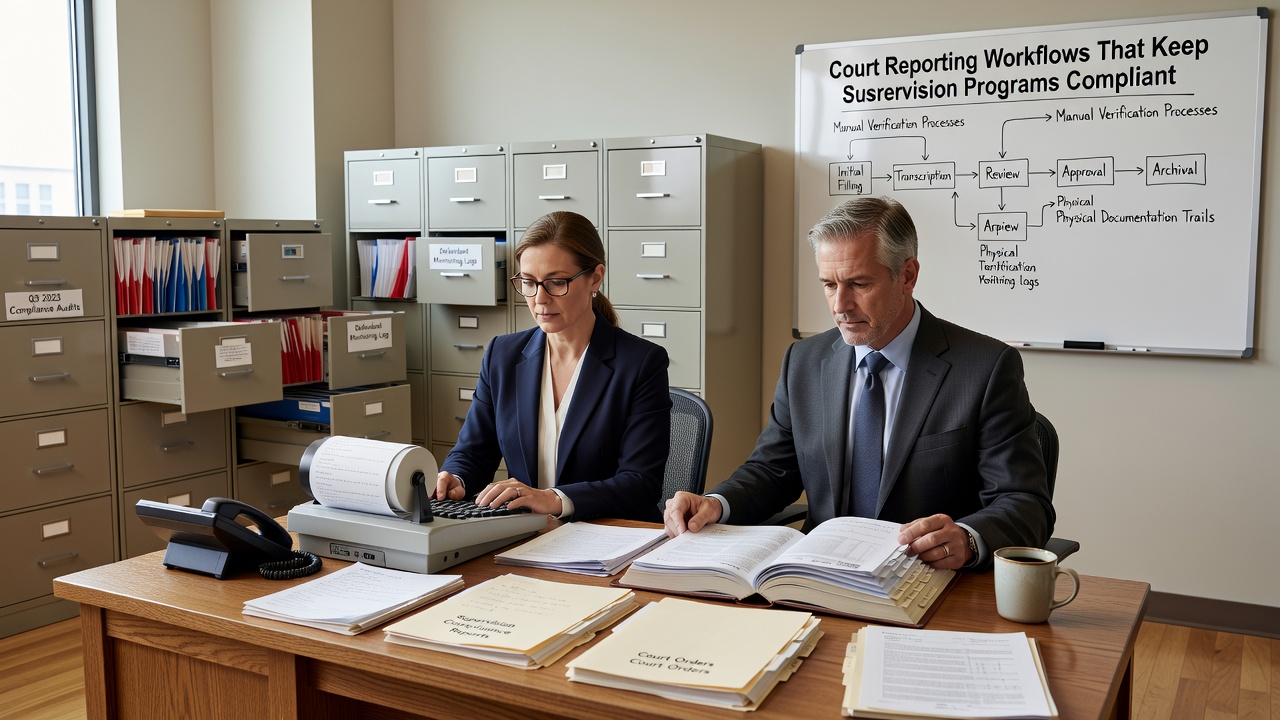
Improving court reporting workflows for supervision programs is one of the most practical steps an agency can take to reduce administrative burden, prevent audit findings, and keep client records defensible. Whether your staff is managing intake documentation, session notes, or compliance reports, the way information flows through your organization directly affects your ability to meet court and probation requirements on time and without gaps.
Why Reporting Workflows Break Down in Regulated Programs
Most documentation problems in regulated programs don’t come from staff carelessness. They come from inconsistent processes. When there’s no standardized way to complete intake forms, write session notes, or file court reports, small gaps accumulate over time and show up at the worst possible moment—during an audit or a contract review.
Common workflow breakdowns include:
- Missing or incomplete intake fields that leave client records without required identifiers
- Session notes completed days after the fact, creating date alignment problems between service delivery and documentation
- Mismatches between progress notes and billing records, which can trigger compliance questions
- Inconsistent report formatting that doesn’t meet receiving-agency standards
- No reliable system for flagging missing documents before they become audit risks
These aren’t unusual problems. They’re predictable ones—and that means they’re preventable with the right workflow structure.
What a Strong Court Reporting Workflow Looks Like
A well-designed reporting workflow creates a consistent path for documentation from the first client contact through final reporting. It reduces the number of decisions staff have to make in the moment and builds accountability into the process itself.
Standardize at Every Stage
Every stage of a client’s time in your program should have a defined documentation standard. That includes:
- Intake: Consent forms, court order or referral, assessment results, and contact information should be captured in a structured format before any services begin
- Ongoing sessions: Notes should follow a consistent structure and be completed the same day services are delivered
- Court and probation reports: Use templates that match the format required by each receiving agency, and file a copy back into the client record once submitted
- Exit and discharge: Summarize progress, attendance, and any outstanding compliance items in a final document that supports the record’s completeness
Standardization doesn’t mean rigid paperwork. It means your staff knows exactly what’s expected at each stage and has the tools to do it consistently.
Build in a Review Cadence
One of the most effective audit-readiness practices is also one of the simplest: build regular record reviews into the weekly routine. Agencies that stay audit-ready tend to follow a cadence like this:
- Same-day: Complete all session notes and log client contacts before the end of the business day
- Weekly: Review active case files for documentation gaps, missing signatures, or overdue reports
- Monthly: Conduct a broader review of all active cases to check credential status, authorization currency, and compliance with court-ordered requirements
This kind of routine keeps problems small. A missing document caught on a weekly review is easy to address. The same gap discovered during an audit is a much bigger problem.
How Software Tools Support Better Workflows
Many agencies rely on shared drives, spreadsheets, or paper files to manage court reporting and documentation. These tools can work in smaller operations, but they create real risk as caseloads grow or staff turns over. There’s no consistent structure, no alert when something is missing, and no easy way to pull a complete file under pressure.
Modern documentation tools for supervision agencies address these problems by building workflow structure into the software itself. Key capabilities that reduce administrative burden include:
- Centralized client records that store all documentation in one place, organized and searchable
- Standardized form templates that prompt staff to complete required fields at intake and during each session
- Missing-document alerts that flag incomplete records before they become compliance issues
- Role-based access so the right staff can view, edit, or approve records at the right stage
- Report generation tools that pull data directly from client records, reducing rework and copy-paste errors
When your workflow is built into the system, consistency follows. Staff don’t have to remember every required field—the system prompts them.
Billing Accuracy Starts with Documentation
One area where reporting workflow problems show up in ways that directly affect agency revenue is billing. When session notes don’t match billing records, or when services are billed before documentation is complete, it creates a mismatch that auditors and payers will catch.
A clean billing workflow depends on clean documentation workflow. That means:
- Services are documented before or at the time of billing
- Notes include all required elements—date, duration, service type, and staff credentials
- Any corrections are properly documented with a reason for the change
- Billing records and clinical records tell the same story
Agencies that use administrative workflow tools for regulated programs often find that billing accuracy improves when documentation becomes more consistent—not because anyone is working harder, but because the process makes it easier to do it right the first time.
What Auditors Look for in Client Files
Understanding what auditors expect makes it much easier to build workflows that satisfy those expectations. A defensible client file for a court-referred or court-involved program typically includes:
- Intake assessment with complete client identifiers and presenting information
- Court order or referral documentation showing the basis for services
- Signed consent and disclosure forms
- Attendance records that match session notes date for date
- Progress notes that are dated, signed, and consistent with services billed
- Test results where applicable (for DUI, substance use, or behavioral programs)
- Court and probation reports, with copies filed back into the client record
- Discharge or exit summary that closes the record clearly
If your agency can produce this file quickly and completely for any active or closed case, you’re in a strong position during a review.
Takeaway
Most compliance and documentation problems in supervised programs come from inconsistent workflows, not bad intentions. By standardizing what gets documented, when it gets documented, and how it gets reviewed, agencies can significantly reduce audit risk, administrative rework, and billing errors. Modern software tools make it easier to build these habits into everyday operations—replacing manual tracking with structured, consistent processes that hold up under scrutiny. If your team spends more time chasing paperwork than delivering services, improving your court reporting workflow is one of the most practical investments you can make.
Want to see how a purpose-built platform can support your agency’s documentation and compliance workflows? Explore our compliance tracking tools for regulated programs and find out how structured workflows can reduce administrative burden across your team.